
How to Make a Puzzle From a Picture
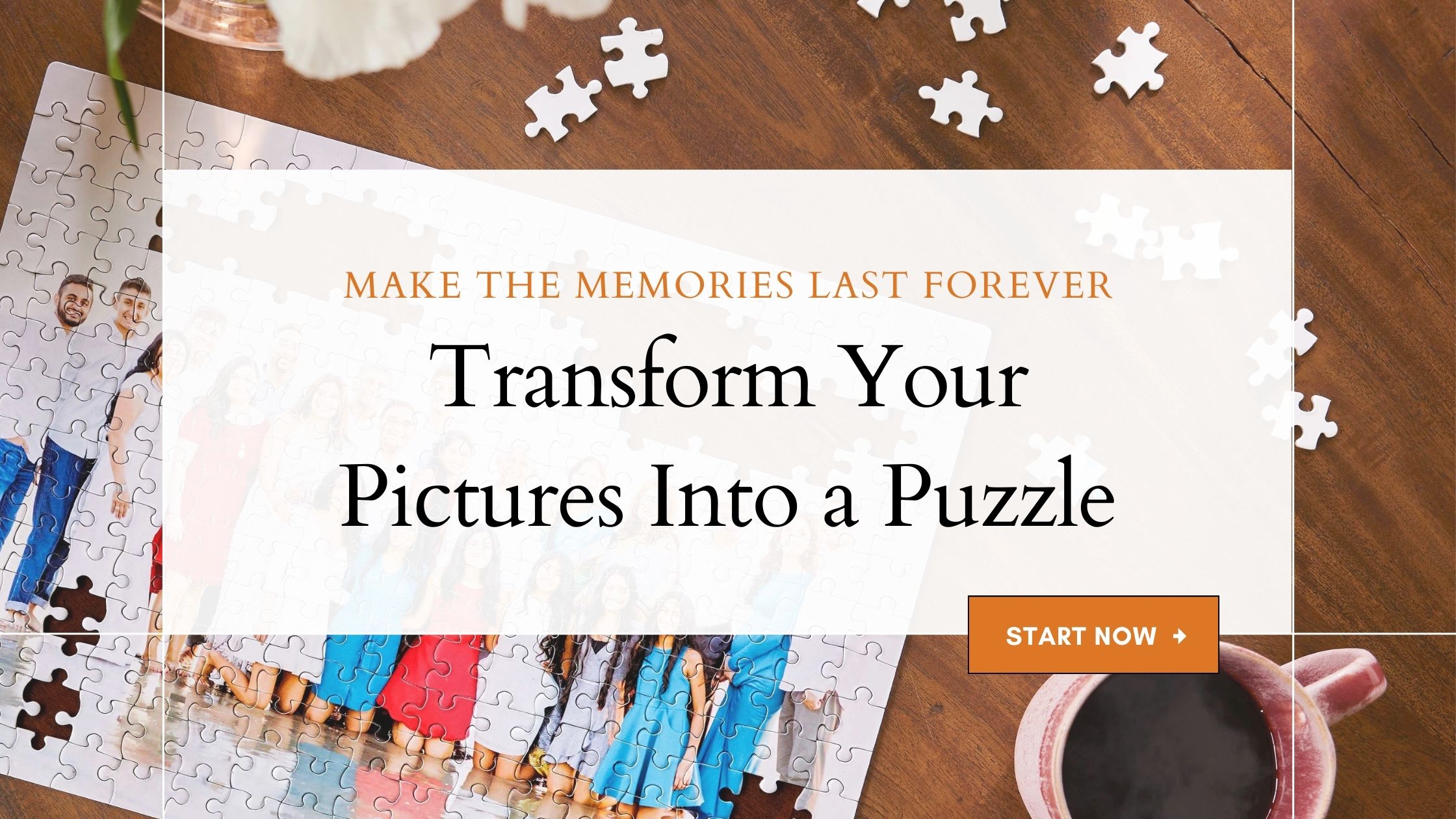
Creating a photo puzzle only takes a few simple steps. Start by choosing your puzzle layout and piece count, then upload your favorite picture, customize the design, and preview it before placing your order.

Step 1: Choose Your Puzzle Design
Browse Shutterfly’s collection of photo puzzle designs to find a style you love. With more than 150 designs available, you can choose from simple layouts that keep the focus on your picture or more decorative designs that add color, patterns, and personalized touches. Select a design that complements your photo and fits the occasion.
Step 2: Select the Right Piece Count
Choose the puzzle size that’s right for you. Shutterfly photo puzzles are available in 30, 60, 252, 520, and 1014-piece options. Smaller puzzles are great for young children and quick family activities, while larger piece counts provide a more time-intensive puzzle experience for older kids, teens, and adults.

Step 3: Upload Your Photo
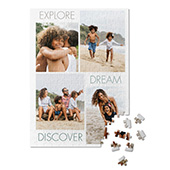
Choose a high-quality photo that will look great when transformed into a puzzle. Family pictures, travel photos, pet portraits, and favorite memories all make excellent choices. You can also create a collage puzzle featuring multiple photos. For the best results, select a clear, high-resolution image with good lighting and detail.

Step 4: Customize and Preview Your Puzzle
Personalize your puzzle by adjusting photo placement, adding custom text, or making other design changes available within your selected template. Before placing your order, use the preview feature to see exactly how your image will appear on the finished puzzle. Reviewing your design helps ensure important details are visible and lets you make any final adjustments before purchasing.
Step 5: Place Your Order
Once you’re happy with your design, place your order and let Shutterfly do the rest. Your custom photo puzzle will be printed and shipped ready to enjoy or give as a personalized gift.
Creative Ideas for Your Picture Puzzle
Looking for inspiration? Almost any meaningful photo can become a personalized puzzle. Try one of these popular ideas:
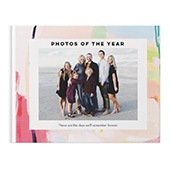
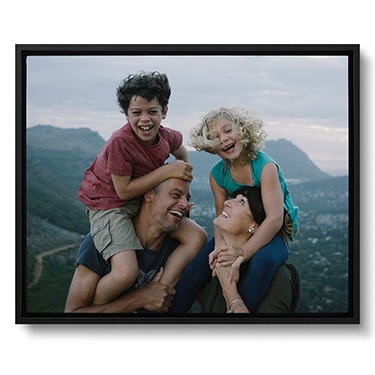
- Family Portraits: Use a recent family photo to create a puzzle that everyone can enjoy together.
- Travel Memories: Relive a favorite vacation by turning a scenic photo into a beautiful puzzle.
- Pet Photos: Celebrate your furry friend by crafting a puzzle featuring a cute pet portrait.
- Engagement or Wedding Photos: A romantic photo puzzle makes a meaningful gift for your partner or to commemorate your big day.
- Children’s Artwork: Upload your child’s drawings to create a fun and interactive way to celebrate their creativity.
Frequently Asked Questions
Can I preview my custom puzzle before I order?
Yes. Shutterfly’s preview tools let you see how your photo, layout, and any personalized details will appear on the finished puzzle before you place your order. Reviewing your design helps ensure important parts of your image are visible and gives you a chance to make any final adjustments.
What kind of photo works best for a custom puzzle?
High-resolution photos with good lighting and clear details typically produce the best results. Family portraits, vacation photos, pet pictures, and scenic landscapes are all popular choices. For the sharpest finished puzzle, choose an image that is clear and in focus.
Can I make a puzzle with multiple photos?
Yes. Many puzzle designs support photo collages, allowing you to combine several favorite pictures into a single personalized puzzle. This is a great option for highlighting multiple memories, milestones, or family photos in one design.
Can I add text to my photo puzzle?
Many puzzle designs include personalization options that allow you to add names, dates, captions, or special messages. Available customization features may vary by design.
Closing Thoughts
Turning a favorite photo into a custom puzzle is a creative way to enjoy your memories in a new format. Whether you choose a family portrait, vacation snapshot, pet photo, or collage of favorite moments, the finished puzzle brings your image to life piece by piece. With the right photo, design, and puzzle size, it’s easy to create a one-of-a-kind puzzle you’ll enjoy assembling again and again.
Additional Resources:
